Play Space Waves Online
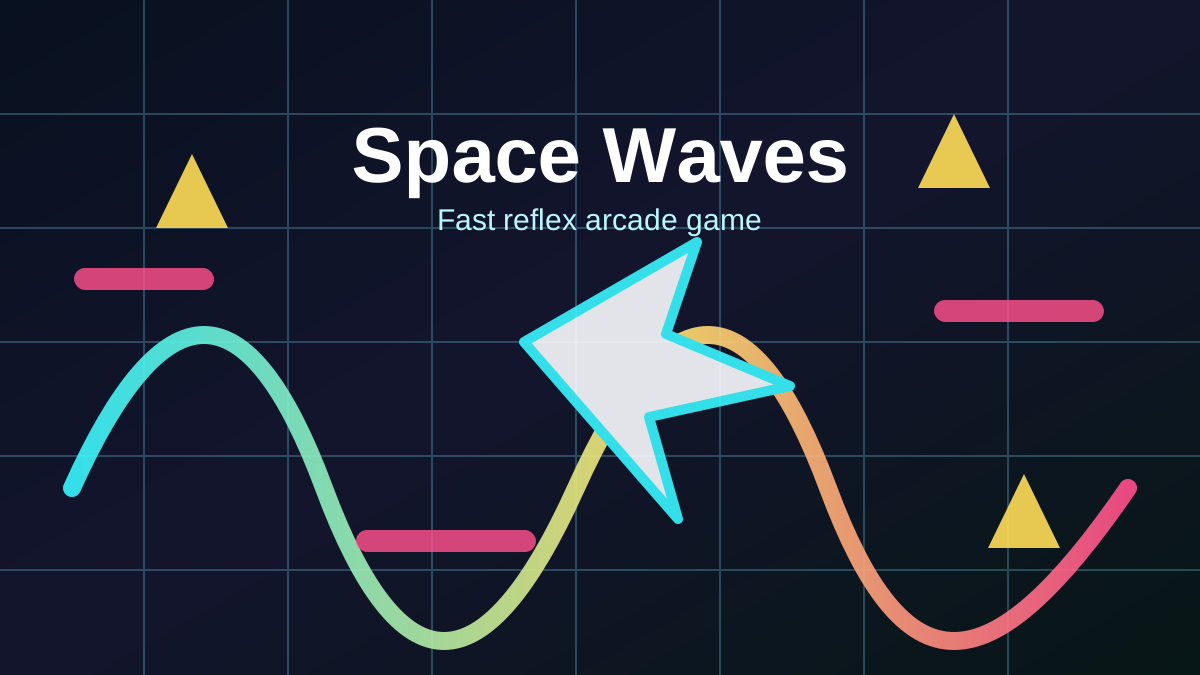
Space Waves is a fast arcade reflex game about guiding a bright arrow through dangerous tunnels without touching the walls, spikes, gears, or moving traps. The idea is simple, but the timing gets serious quickly: hold to rise, release to fall, and keep your path steady while the level squeezes around you.
This page lets you play Space Waves online in your browser with no separate download. It also gives you a practical guide to the controls, level flow, obstacle types, and survival habits that help you move from the easier stages into the most demanding wave routes.
What Is Space Waves?
Space Waves is a browser obstacle game built around one clean movement rule. Your arrow travels forward automatically, while your input changes its vertical direction. Because the path is shaped like a wave, success depends on rhythm instead of raw speed.
The game is often described around 33 levels, ranging from forgiving starter courses to compact stages filled with tight turns and hazard clusters. You can usually choose a level directly, so beginners can practice on easier maps while experienced players jump into harder patterns for a sharper test.
How To Play Space Waves
The controls are intentionally minimal:
- Hold or press to make the arrow move upward.
- Release to let the arrow angle downward.
- Avoid every wall and obstacle because one collision usually ends the run.
- Restart quickly and use each failed attempt to memorize the next section.
The best way to learn Space Waves is to use short taps. Long holds send the arrow too high, and late releases drop it into the floor. Try to keep the arrow near the center of the tunnel whenever possible, then make small corrections before a turn becomes urgent.
Levels, Difficulty, And Progression
Space Waves works well because it lets you see the difficulty curve clearly. Early levels give you wider lanes and simpler turns, while harder stages add sharper zigzags, narrower passages, rotating hazards, and obstacle chains that punish hesitation.
If a level feels impossible, step back to a lower difficulty and focus on clean movement. A smooth run through an easy stage teaches more than ten rushed attempts on a hard one. Once your rhythm is stable, move up and treat each new section as a pattern to learn.
Obstacles You Need To Read
Every Space Waves level is about reading the tunnel before the arrow reaches danger. Watch for these common hazard types:
Narrow Walls
Tight corridors require calm inputs. Stay near the center and tap gently, because overcorrecting is the fastest way to crash.
Spikes And Sharp Corners
Spikes punish lazy angles. Approach them with the arrow already aligned, then make a small wave around the danger instead of a dramatic last-second turn.
Moving Or Rotating Traps
Some sections ask you to wait for an opening or pass through a moving gap. Keep your eyes ahead of the arrow and time your entry rather than reacting when the trap is already beside you.
Zigzag Tunnels
Zigzag routes are rhythm checks. Use a steady press-release pattern and avoid changing direction too late, especially when the ceiling and floor are close together.
Tips To Get Better At Space Waves
- Look ahead of the arrow - Your hands react better when your eyes are already reading the next curve.
- Use small inputs - Short taps create cleaner waves than long presses.
- Start with easier levels - Learn the physics before chasing the hardest routes.
- Stay centered - The middle of the tunnel gives you more room to recover from a mistake.
- Reset your rhythm after every crash - Most failures come from panic inputs, not from lack of speed.
Space Waves rewards patience more than it first appears. The game looks like a quick reflex challenge, but the strongest runs come from memorizing the tunnel shape and keeping a consistent movement rhythm.
Why Play Space Waves In Your Browser?
The browser version is ideal for short arcade sessions. You can open the page, press play, and jump straight into a level without installing a launcher or managing a save file. It is also easy to replay because failed attempts restart quickly, which makes every run feel like useful practice.
For players who enjoy skill-based browser games, Space Waves sits close to rhythm obstacle games and one-button arcade runners. The hook is the same: simple controls, instant restarts, and a difficulty curve that keeps asking for one cleaner attempt.
Space Waves FAQ
Is Space Waves free to play?
Yes. You can play Space Waves online for free in your browser through the embedded game frame on this page.
How many levels are in Space Waves?
Space Waves is commonly presented with 33 levels. The levels vary in difficulty, so you can practice easier routes before trying the tightest tunnel patterns.
How do you control Space Waves?
Hold or press to make the arrow climb, then release to let it fall. The main skill is using small inputs to guide the arrow through narrow spaces.
Can I play Space Waves on mobile?
Yes. The game is made for browser play and can work on desktop, tablet, and mobile devices when the embedded version supports your browser.
Why do I keep crashing in Space Waves?
Most crashes come from holding too long, releasing too late, or looking only at the arrow instead of the next obstacle. Use shorter taps and read the tunnel ahead.
Ready to test your timing? Start with an easy route, find the wave rhythm, and see how many Space Waves levels you can clear.
More Games
If you like quick browser challenges, try A Small World Cup 2, Free Kick 2026, or Penalty Shooters 3.
This page is an independent game guide and embed hub. seteazero.org is not the official publisher, owner, or operator of the game shown in this frame unless a page explicitly says so. Game names, trademarks, and media remain the property of their respective owners.